
Article
Free Time Tracking App: Gain Control Without Cost
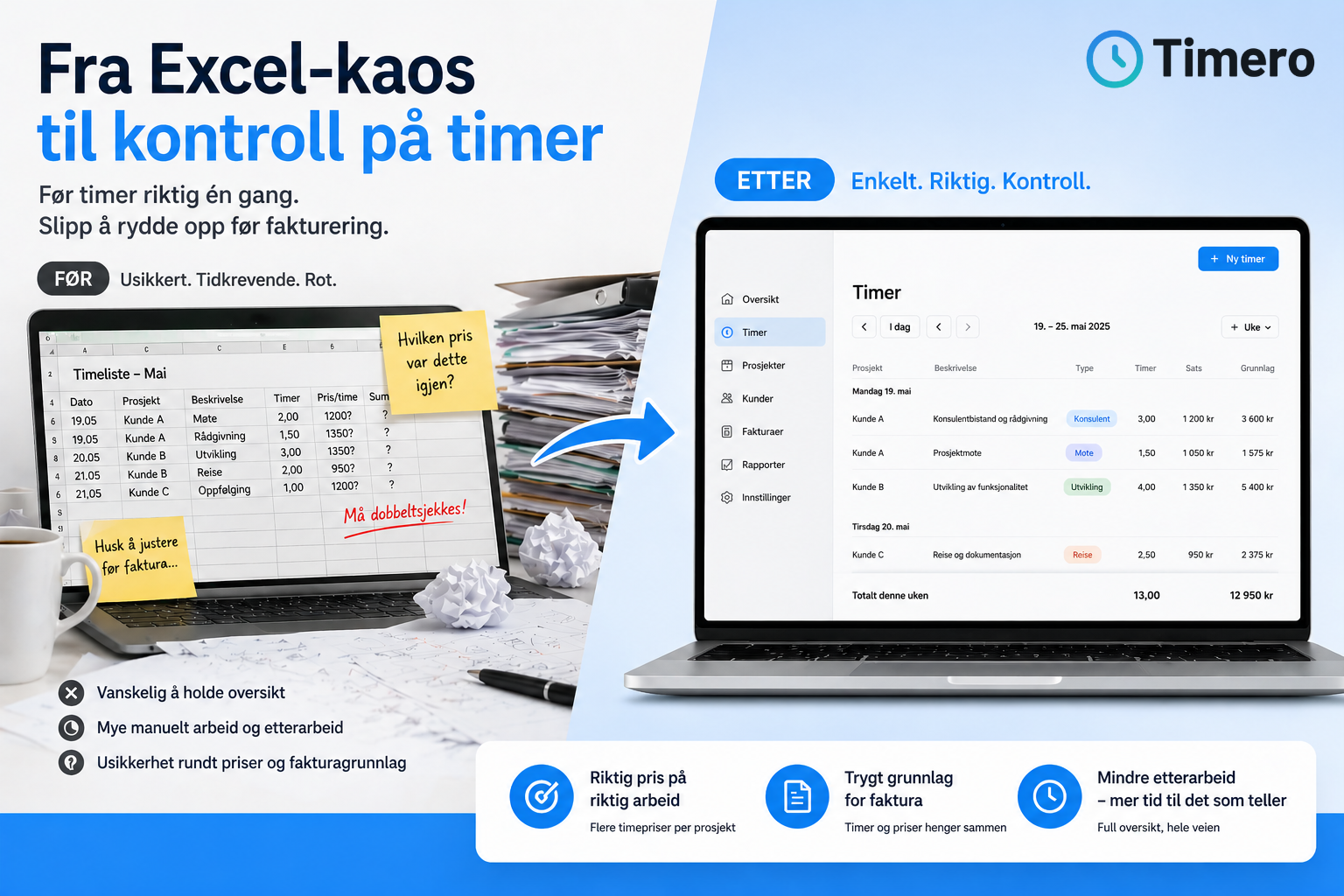
Summary
- Several apps offer free time tracking for individual users or small teams, but with limitations on the number of projects or features.
Finding a good free time tracking app is not about choosing the cheapest solution. It's about gaining an overview of hours, projects, and invoicing basis without unnecessary administration or complicated setups. Many small businesses start with Excel or paper but quickly discover that hours are forgotten, projects become unprofitable, and the invoicing basis must be copied manually between systems. A free app can solve this – if it meets your actual needs and allows you to grow when your business requires more.
What does free time tracking really mean?
Many tools market themselves as free, but the term means different things. Some apps have a forever free plan for individual users with basic features. Others offer a 30-day trial period before payment is required. Some are free as long as you only track hours but charge when you want to invoice or add employees.
A proper free solution lets you get started without a credit card, register an unlimited number of hours, and use the app for as long as you need. Timero offers just that: unlimited time tracking for free with up to 2 projects and basic reports for one user. When you need more projects or employees, you choose when to upgrade.
What should a free time tracking app have?
Many apps forget the most important thing: that time tracking should be easy to maintain. If you have to read a manual, set up complicated structures, or wait for the IT department before you can start, the tool has already failed.
A good time tracking app should:
- Allow you to start a timer immediately, either on mobile or PC
- Manually register hours if you forgot to start the clock
- Show an overview per customer and project in real-time
- Export data to accounting systems or invoicing without copying
- Work equally well on iPhone, Android, and browser
- Provide you with basic reports without payment
- Allow you to upgrade gradually as your business grows
If the app requires you to manually enter hours into the invoicing tool or copy data to Excel, you haven't solved the problem – just moved it.
When does a free app hold up, and when do you need to pay?
Many freelancers and consultants with few projects get far with a free solution. If you only need to keep track of time spent per customer and will use the hours as a basis for invoicing, the basic version is often sufficient. But when the business grows and you get employees, new needs arise.
Then you need an approval flow for timesheets, an overview of payroll per employee, reports showing margins per project, and direct integration with accounting systems. This is where paid plans come in. Timero Pro starts at 169 NOK per month excluding VAT and offers unlimited projects, invoicing, project economics, and integrations with Fiken and Tripletex. You can test the entire Pro plan for 30 days without commitment or charges.
The most important thing is not what the app costs, but what you get in return. If an app costing 200 NOK a month saves you three hours of administration, it is cheap. If a free app requires four extra hours of work each week, it is expensive.
How to get started with Timero at no cost
Getting started with Timero takes less than 30 seconds. You don't need a credit card, no commitment, and no setup guide. Go to the registration page, provide your name, email, and password, and you're in. Then you can:
1. Download the iOS app or Android app to register hours during your workday
2. Create your first customers and projects directly in the web app
3. Start time tracking with a stopwatch or enter hours manually
4. See an overview of time spent per project in real-time
5. Export timesheets or upgrade to Pro when you want to invoice directly from the system
The free plan has no expiration date. You can use it as long as it meets your needs and upgrade only when your business requires more.
Frequently Asked Questions
Can I use Timero for free forever?
Yes, Timero has a permanent free plan with unlimited time tracking and up to 2 projects for one user. You do not need a credit card to start, and there is no commitment. When you need more projects, invoicing, or team features, you can upgrade to a paid plan.
What is the difference between the free and Pro plans?
The free plan offers unlimited time tracking, up to 2 projects, and basic reports for one user. The Pro plan provides unlimited projects, invoicing, project economics, advanced reports, and integrations with Fiken and Tripletex. You can test Pro for 30 days without payment or commitment.
Does Timero work as well on mobile as on PC?
Yes, Timero is developed as both a web application and mobile app for iOS and Android. All data syncs automatically, so you can register hours on mobile and view reports on PC without copying anything between systems.
Can I invoice hours directly from Timero?
Invoicing is included in the Pro plan and Team plan. Then you can generate invoicing basis directly from registered hours, and the data syncs automatically with Fiken or Tripletex if you use accounting integration. The free plan allows you to export timesheets that can be used as invoicing basis in other tools.
What happens if I upgrade from the free to a paid plan?
All hours, projects, and customers you have registered in the free plan will carry over when you upgrade. You won't lose any data and can downgrade again at any time if you no longer need the extra features. The upgrade happens immediately without waiting time or setup.
Do I need a credit card to test the Pro plan?
No, you can start with the free plan without a credit card. If you want to test the Pro plan for 30 days, you will need to provide a payment method, but you won't be charged until the trial period is over. You can cancel at any time without cost.
Can I use Timero if I have employees?
Yes, the Team plan is designed for businesses with employees and costs 399 NOK per month excluding VAT with 5 users included. The plan provides team overviews, role management, payroll and margin reports, and functionality for timesheet approval. The free plan is only for one user.