Article
How to Track Hours Easily and Accurately in Norway

Summary
- Time tracking involves recording start, end, and total hours worked per day to ensure accurate payroll and invoicing.
Many companies still use spreadsheets or manual notes to keep track of working hours. This works as long as there are few projects and few employees, but as the business grows, the risk of errors increases. Hours are forgotten, invoicing is delayed, and payroll processing takes longer than necessary. Time tracking is about recording working hours in a way that provides oversight, ensures correct pay, and simplifies invoicing. In Norway, this is not only practical – it is also legally required for companies with employees.
What Does It Mean to Track Hours?
Tracking hours means recording when work starts and ends, how many hours have been worked, and which client or project the time has been spent on. For companies with employees, the Working Environment Act § 10-6 requires employers to keep track of actual working hours for each employee. This includes start and end times per day, total hours worked, and any overtime or inconvenient working hours. The purpose is to ensure that employees receive correct pay, that working time regulations are followed, and that the Norwegian Labour Inspection Authority can verify that the business operates in accordance with the regulations.
For freelancers and consultants who bill hours, time tracking is also about documenting work for the client. A good overview of hours makes it easier to create invoicing, follow up on project budgets, and see which clients take up the most time. Many companies discover that time registration is not just a legal requirement – it also provides valuable insights into how time is actually used.
How to Track Hours in Practice
There are several ways to record working hours, and the choice depends on the type of work you do and how the company is organized. Some work best with a stopwatch, others prefer manual entry afterward, and some need an approval flow for employees. Here are the most common ways to track hours:
- Real-time Stopwatch – you start the timer when work begins and stop it when you finish
- Manual Entry – you note hours afterward based on what you actually worked on
- Break Function – you record when you take a break, so only actual working time is recorded
- Mobile App – you track hours directly from work, at the client’s site, or in the field
- Automatic Synchronization – hours recorded on mobile are automatically updated on the web and vice versa
- Approval Flow – employees record hours that are then approved by a project manager or employer
- Export to Payroll and Invoicing – hours are exported directly to the accounting system or invoicing basis
Regardless of which method you choose, the goal is the same: to have a reliable overview of working hours that provides a basis for payroll, invoicing, and project follow-up. Timero supports all these methods of tracking hours, so you can choose what works best for your work.
Why Digital Solutions Provide Better Control
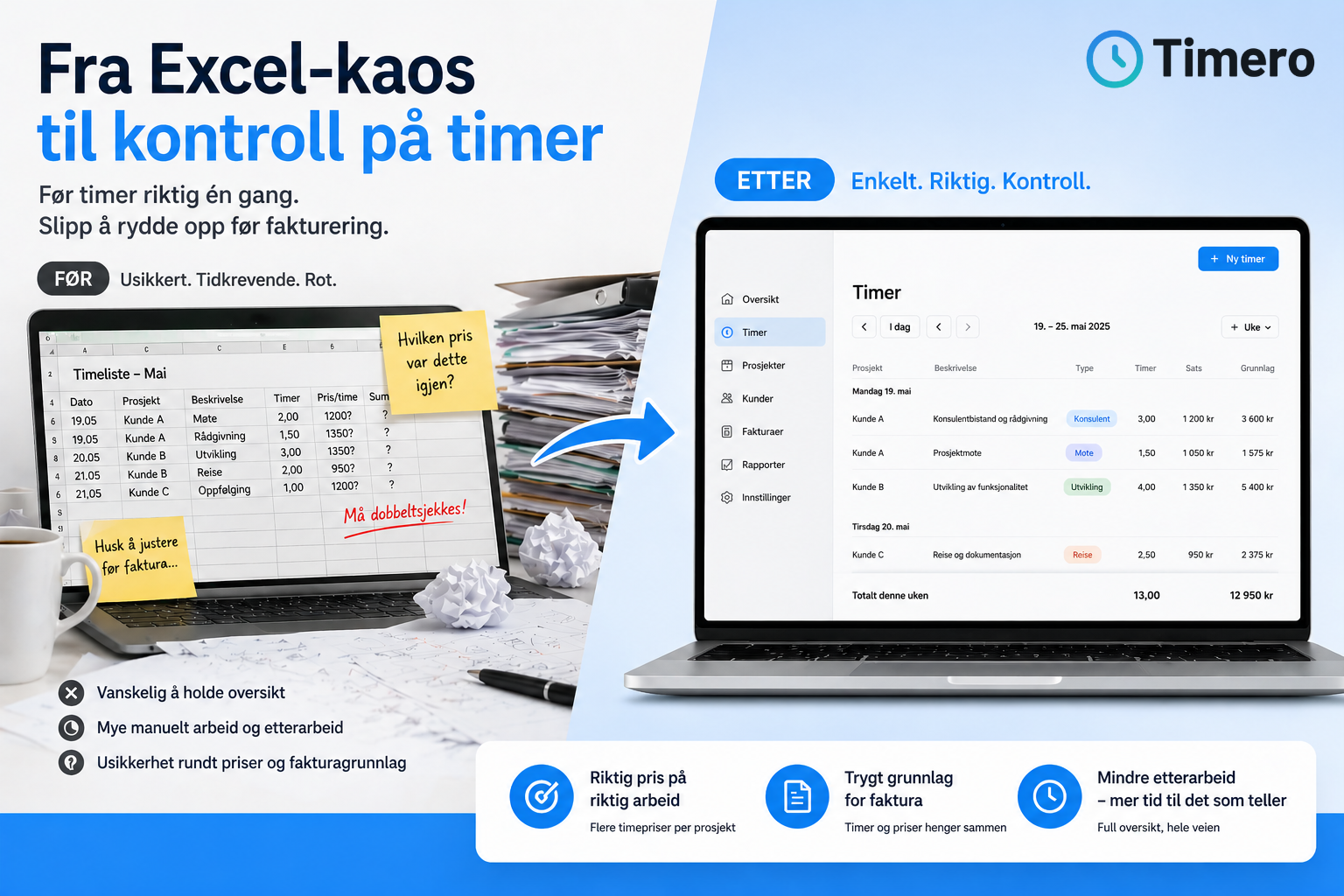
Many small businesses start with spreadsheets or paper-based time sheets. This works for a while, but eventually challenges arise. Hours are forgotten, data must be entered manually in multiple places, and it takes time to get an overview of what has been invoiced and what is missing. Digital time tracking systems solve these problems by consolidating everything in one place.
With a digital solution, employees can record hours from mobile or web, and data is synchronized automatically. Project managers get real-time visibility into progress, and the accounting department can export hours directly to payroll or invoicing without re-entering data. Companies that switch to digital solutions typically find that they save time on administration, reduce the number of errors in payroll processing, and gain better oversight of project finances.
Timero makes it easy to track hours on web and mobile, with automatic synchronization between devices. You can record hours against clients and projects, generate time sheets and invoicing basis, and export data to the accounting system – without duplicate work.
Frequently Asked Questions
What is the difference between time tracking and time registration?
The terms are often used interchangeably, but time tracking refers to the actual process of recording working hours, while time registration can refer to both the process and the result – that is, the overview of recorded hours. In practice, there is no significant difference, and most people use the words synonymously.
Do I have to track hours if I work alone as a consultant?
You are not legally required to track hours if you do not have employees, but it is still wise. Good time tracking gives you an overview of what you spend time on, makes it easier to invoice clients, and helps you assess whether projects are profitable. Many consultants find that they work more than they thought when they start tracking hours systematically.
How do I ensure that employees actually track hours?
The best way to ensure that hours are recorded is to make it easy. If the system is cumbersome or requires a lot of manual reporting, it is often forgotten. Choose a solution where employees can track hours directly from mobile, with a stopwatch or manual entry. Timero has both a mobile app and web, so employees can record hours where the work happens.
Can I use time tracking to follow up on project budgets?
Yes, many companies use time tracking to compare actual time spent with the budget. By linking hours to specific projects and tasks, you can see if a project is going over budget and adjust along the way. This provides better control over project finances and makes it easier to plan resource use going forward.
What happens if I do not track hours as an employer?
Missing or incorrect time registration can lead to orders and sanctions from the Norwegian Labour Inspection Authority. In the worst case, it can also create problems with payroll processing, holiday pay accrual, and compliance with the Working Environment Act. Good time registration is legally required in Norway, and it is the employer's responsibility to ensure that it is done correctly.
Can I track hours without investing in expensive software?
Yes, there are both free and affordable solutions for time tracking. Some tools have free versions with limited functionality, while others offer free trial periods. Timero offers a 30-day free trial on Pro and Team, so you can test the solution before committing. The Starter plan costs from 49 NOK per month excluding VAT, and is suitable for freelancers with multiple projects.
How do I export hours to my accounting system?
Most digital time tracking systems allow you to export hours to Excel, PDF, or directly to the accounting system via integration. Timero allows you to generate time sheets and invoicing basis in seconds, so you don’t have to enter data manually. Some companies also use Timero API to connect time tracking to their own systems.