Article
Time Tracking for Employees: Gain Better Control Over Hours, Projects, and Payroll

Summary
- Digital time tracking provides both employees and employers with better oversight of work hours, projects, and invoicing without manual follow-up.
Digital time tracking for employees is not just about logging work hours. It’s about gaining insight into where time is actually spent, which projects are profitable, and what can be invoiced to clients. For small and medium-sized businesses, this means less administration, fewer forgotten hours, and a quicker path from completed work to invoicing. A good solution must work just as well on mobile at the client’s site as on the PC in the office, and it must be simple enough that all employees actually use it consistently.
Why Time Tracking for Employees Provides Better Control
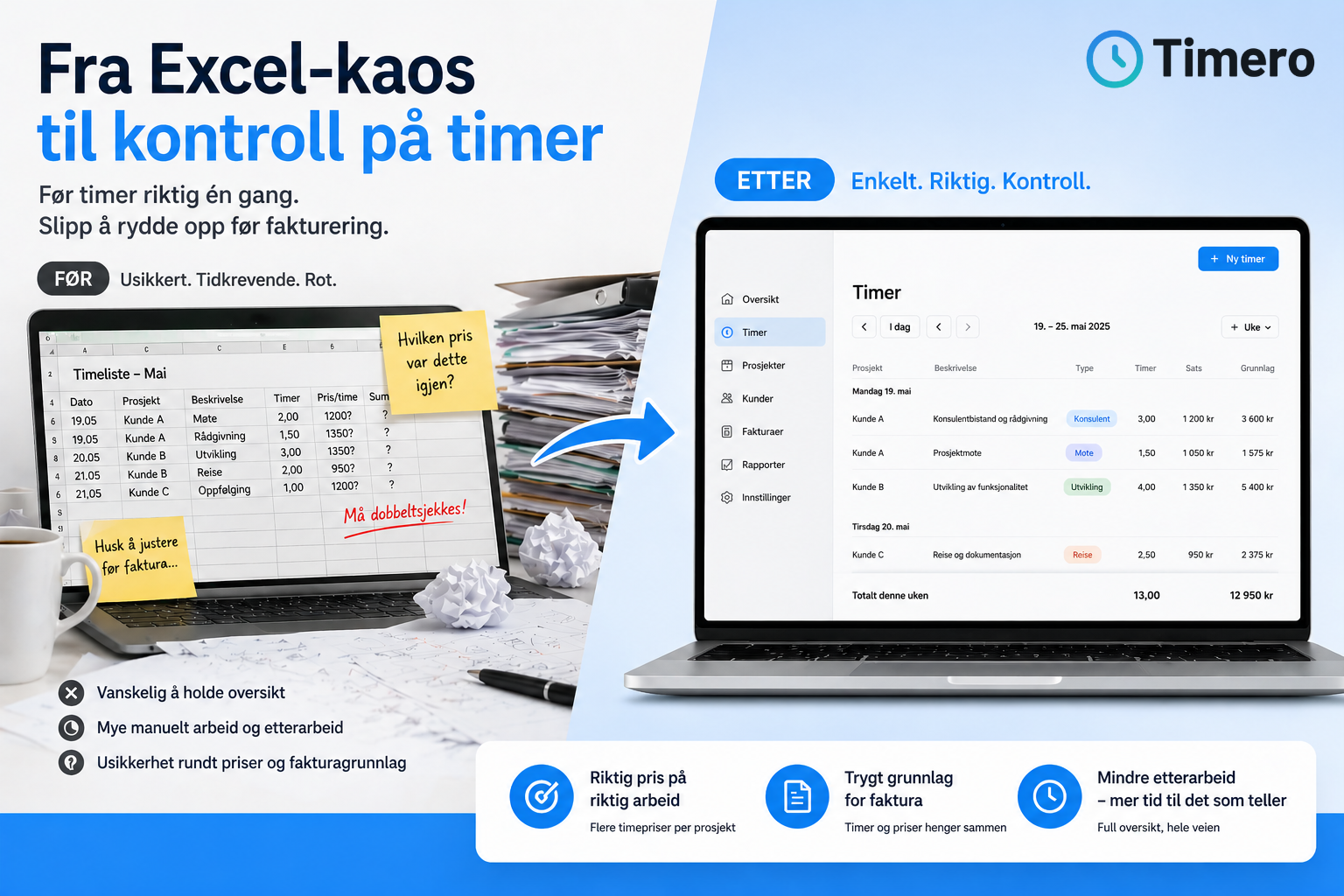
Many companies start with Excel sheets or paper notes. This works as long as the team is small and the projects are few. But as volume increases, it quickly becomes unmanageable. Hours are logged afterward, some forget to log, and when payroll or invoicing needs to be done, someone has to hunt for missing data. The result is more administration than necessary and uncertainty about what has actually been delivered.
With a time tracking system, both employees and managers gain better control. Employees no longer have to remember what they did three weeks ago. Employers get real-time insights into progress, resource usage, and what is billable. Good reports also make it easier to see which projects are profitable and where more time is being spent than planned.
How Employees Can Log Hours
There are several ways to log work hours, and many companies allow employees to choose what works best for their situation:
- Stopwatch: Start when work begins, stop when it ends. Provides exact logging without needing to remember afterward.
- Manual entry: Fill in hours at the end of the day or week. Suitable for those who prefer to sum up when the work is done.
- Break logging: Many systems allow you to log breaks separately, ensuring net working time is accurate.
- Project linking: Hours are logged directly against the correct client and project, ensuring reports and invoicing are automatically accurate.
- Mobile app and web: The same data is synchronized between devices, allowing employees to log hours wherever they work.
A time tracking app enables logging hours on-site with clients, at construction sites, or from home. Meanwhile, managers have full oversight from the office without needing to ask around.
Common Challenges with Time Tracking – and How to Avoid Them
Even with digital tools, many companies face challenges:
- Forgotten hours: Employees forget to log hours continuously and have to guess afterward.
- Incorrect entries: Hours are logged against the wrong project or client, leading to incorrect invoicing.
- Time-consuming follow-up: Managers have to chase down missing entries before payroll or invoicing.
- Double work: Hours must be manually transferred from one system to another to create invoices or payroll reports.
- Lack of overview: It’s difficult to see what has been done per project or client without going through many reports.
The solution is to choose a system that makes it easy to log hours on the spot, allows corrections when something goes wrong, and automatically links hours to the correct project and client. A good system also provides alerts if hours are missing, making follow-up easier.
What Should Employers Look for in a Time Tracking System?
When choosing a solution for employee time tracking, several things should be in place:
- Ease of use on mobile and PC: The system must work just as well on a phone as on a computer.
- Overview per employee and project: You should be able to quickly see what each employee has logged and how much time has been spent per client.
- Ability to correct entries: If someone logs incorrectly, it must be easy to correct without cluttering the entire overview.
- Reports that can be used further: Timesheets should be exportable or directly transferable to invoicing and payroll.
- Adaptation to Norwegian conditions: Norwegian user interface, support for Norwegian rates, and integration with Norwegian accounting systems.
- Automatic synchronization: Changes on mobile should immediately reflect on the web, and vice versa.
- Roles and access control: Different employees can have different rights, such as logging without editing rights on others' hours.
Timero combines all these features in one system. Employees log hours on mobile or web, managers get real-time oversight of projects and resource usage, and when it’s time for invoicing, everything is ready without manual follow-up.
Example from a Typical Work Week
A consultant starts the day by opening the app on her phone and pressing "start" on a client project. When the meeting is over, she stops the timer and adds a brief description of what was done. Later in the day, she works on another project and logs hours manually at the end of the workday.
On Friday afternoon, she reviews the week, corrects an entry where she forgot to stop the clock on one project, and submits the timesheet for approval. The manager sees the overview in real-time, approves the hours, and can directly generate invoicing based on the logged work.
The result is that no hours are forgotten, the invoicing is accurate, and both save time that would otherwise have been spent on follow-up and manual compilation.
Checklist for Companies Implementing Digital Time Tracking
Before choosing a solution, go through these points:
- Mobile app: Can employees log hours from their phones where they work?
- Project linking: Can hours be logged directly against the client and project?
- Approval flow: Can the manager see and approve hours before invoicing?
- Reports: Can you generate timesheets per employee, per project, and per client?
- Integration: Does the system connect to the accounting or invoicing software you already use?
- Trial period: Can you test the solution before committing?
- User-friendliness: Is the interface intuitive enough that all employees actually use it?
If you answer yes to these points, there’s a good chance the solution will work in practice.
Frequently Asked Questions
Can employees edit logged hours afterward?
Yes, in most modern time tracking systems, employees can edit their own hours. Depending on the company’s setup, there may also be an approval flow where a manager must approve changes before hours are locked for invoicing or payroll. This provides flexibility without compromising oversight.
How do we ensure that all employees actually log hours continuously?
The best approach is to choose a system that is so easy that it doesn’t feel like extra work. A mobile app with a stopwatch, automatic reminders, and easy project linking makes it easier to log hours on the spot. Some companies also establish routines where employees review the week every Friday before submitting their timesheet.
Can the time tracking system integrate with our accounting software?
Most modern solutions offer integration with common Norwegian accounting systems like Tripletex, Fiken, and Visma eAccounting. This allows logged hours to be automatically transferred to invoicing without manual work. Always check which integrations are supported before choosing a solution.
What does a time tracking system for employees cost?
Prices vary, but for Norwegian small businesses, it typically ranges from 100 to 300 NOK per user per month for a full-featured solution. Timero offers a 30-day free trial for the Pro plan, allowing you to test the system before making a decision.
Can we use the same system for both hourly and salaried employees?
Yes, many companies use the same time tracking system for all employees. Hourly employees log their actual working hours, while salaried employees use the system for project monitoring and invoicing. Reports can be customized so that each employee group receives relevant oversight.
How does the system handle overtime and breaks?
Good time tracking systems allow employees to log breaks separately, ensuring net working time is accurate. Overtime can be automatically flagged if working hours exceed a set limit. Reports then show both gross working time, breaks, and net billable time.
Is it possible to generate reports showing profitability per project?
Yes, many systems provide an overview of hours spent per project against the budget. This makes it easy to see which projects are profitable and where more time is being spent than planned. Such reports are valuable for companies that work on a project basis and want better financial control.